
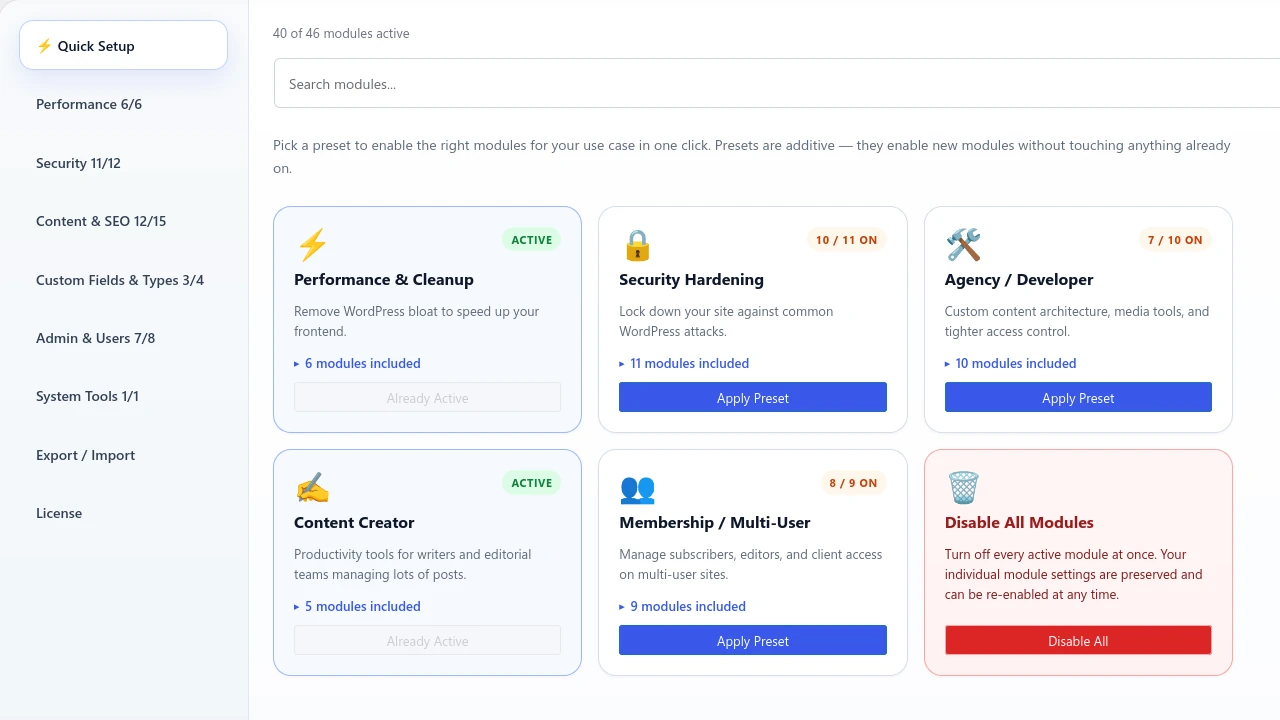
We are excited to announce the release of Admin Optimizer 2.0.1, building on the momentum of our major 2.0 revamp. This update introduces smart improvements to the SMTP Mail module and further refines the user experience.
New Dashboard – Faster Setup mode
The highlight of the v2 update is the revamped Dashboard, which now includes a Quick Setup section for first-time users.
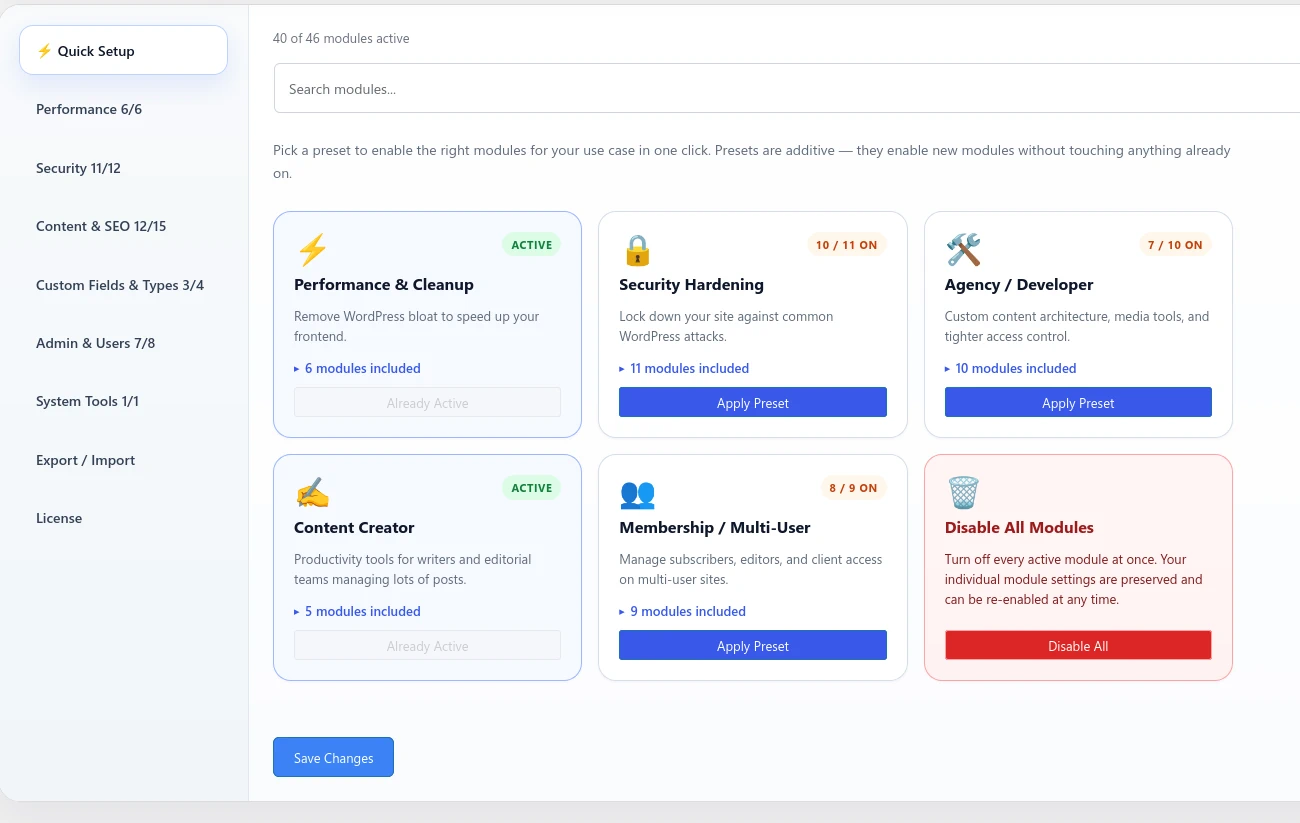
Instead of configuring each module individually, features are now grouped in Presets that can be activated simultaneously. Whether you are focusing on site performance, security hardening, or running a membership site, you can simply click “Apply Preset” to instantly enable all relevant modules.
Revamped Categories
We have also reorganized our module categories to better reflect their core capability. The new simplified groups include:
- Performance
- Security
- Content & SEO
- Custom Fields & Types
- Admin & Users
- System Tools
Additionally, the Export/Import settings have been moved directly into the category panel, eliminating the need for an extra menu entry.
SMTP Mail Module Enhancements
We have integrated a list of commonly used SMTP providers into a new dropdown menu. The list now includes:
- Gmail
- Mailgun
- Amazon SES
- SendGrid
- Brevo
- Postmark
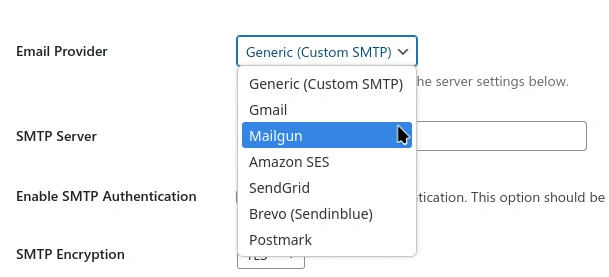
When you select a provider, it autopopulates the SMTP server, SMTP Encryption and SMTP Port fields. We also provide direct links to help you locate your SMTP credentials. All that remains is to enter your SMTP username and password.
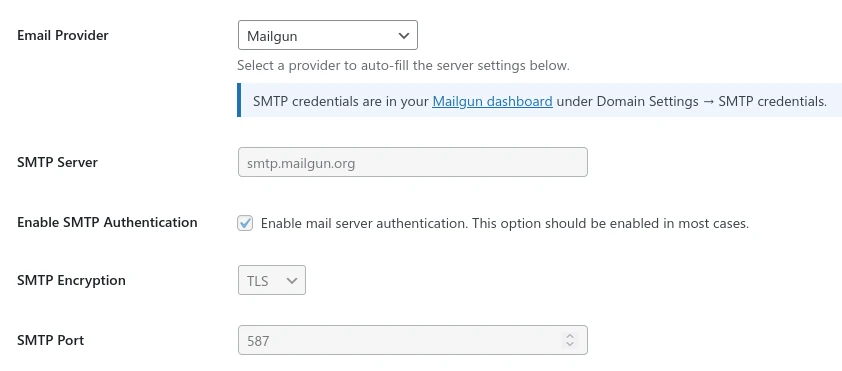
Pro Tip: For Gmail, you must use a specific App Password rather than your primary account password. For Amazon SES, ensure you verify the AWS Region; while it defaults to “US East (N. Virginia)”, you should update it to match your specific service location.
New “Force from” Toggle
We have added a “Force From” toggle to give you granular control over your outgoing email identity.
- When disabled: The system only applies your “Send From” name and email if those fields are empty in the original email request. This ensures compatibility with plugins or custom functions that require custom sender addresses.
- When enabled: The system overrides all outgoing mail request with your specified “Send from” name and email address.
Fixes and Stability
Added: Full support for WordPress 7.0.0 new theme update
Fixed: A minor enqueue bug that prevent the Custom Fields Builder fields from opening.
Fixed: A Two-factor Authentication esc_html bug that cause raw messages to display as plain text.
Improved: Migrated the Two-factor authentication’s TOTP provider to in-house solution, reducing reliance on third-party dependencies.
