
With Admin Optimizer v2.4.0, our focus is on making common WordPress workflows faster and more integrated. This release introduces a brand-new Migration Tool, significantly expands the Form Builder, adds new Email & SMTP routing options, and adds numerous workflow enhancements across the plugin.
Let’s dive into what’s new!
New Migration Tool
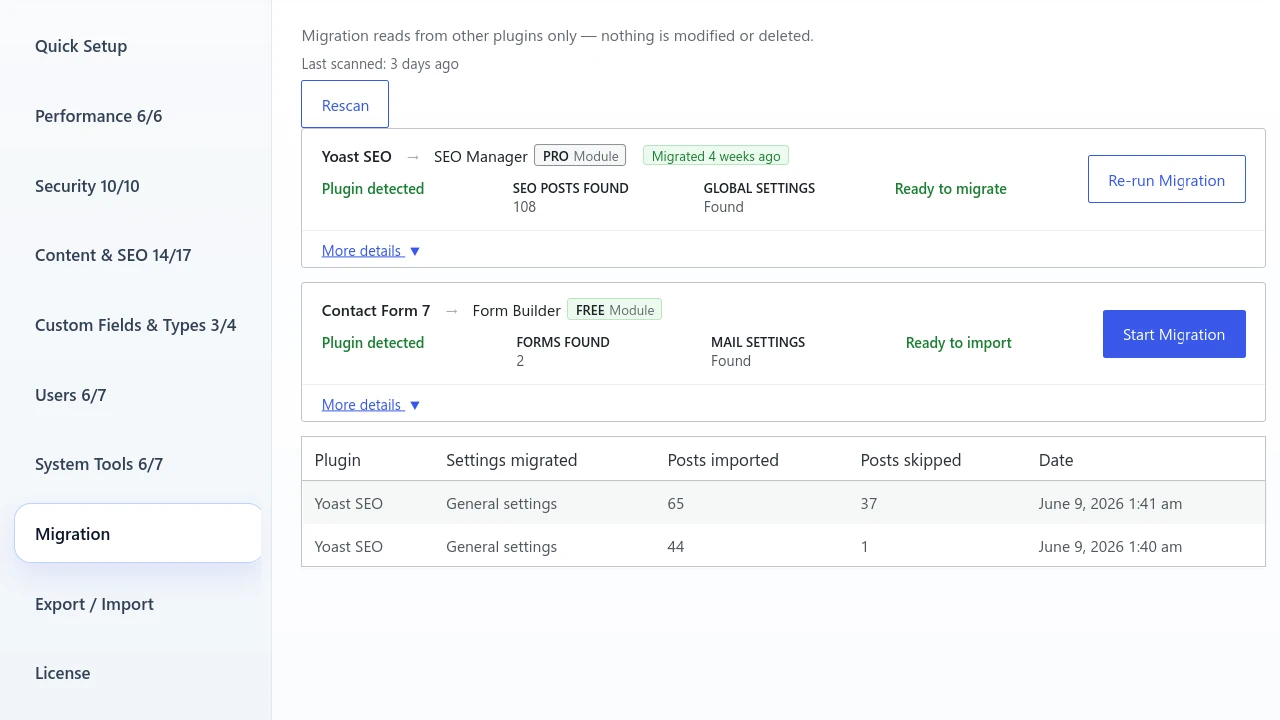
Migrating from other plugins should be simple. To make switching to Admin Optimizer seamless, we’ve introduced a dedicated Migration module.
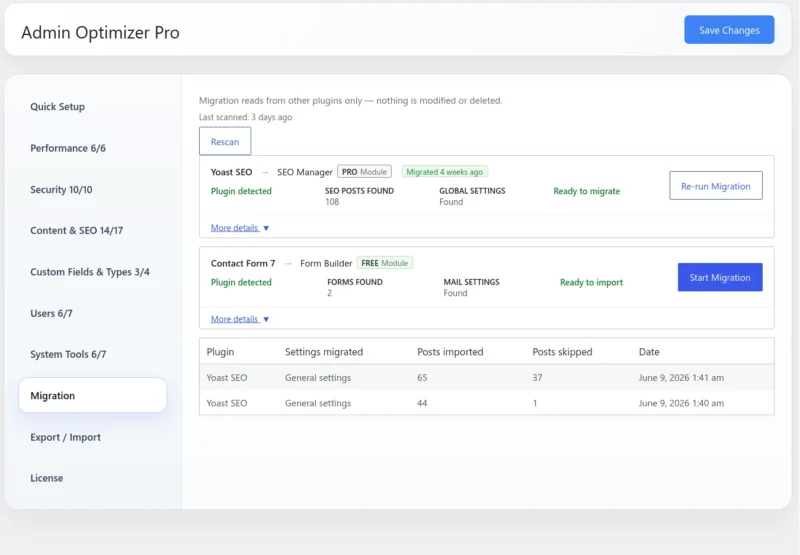
Currently, we support data migration from the following popular plugins:
- Contact Form 7
- Yoast SEO
- All-in-One SEO
- Rank Math
- SEOPress
Note: To keep the core plugin lightweight, the Migration Tool is an independent add-on. Free users can download and install it from the Migration Tool page, while Pro users can instantly install and activate it with a single click directly from the Admin Optimizer dashboard.
How it works:
- Navigate to the Migration tab and click “Scan Now”.
- Wait for the tool to detect transferable data.
- Click “Start Migration” to safely move your data over to Admin Optimizer.
Form Builder Gets a Major Upgrade
We’ve given the Form Builder a massive boost—making it significantly more powerful while keeping the user interface clean and intuitive.
More Field Configuration Options
Most form fields now expose advanced settings directly inside the builder canvas. Depending on the field type, you can now configure:
- Minimum/maximum values and character limits
- Number step values
- Date restrictions
- Default selections
- Choice layouts
- Textarea counters
- Improved file upload settings
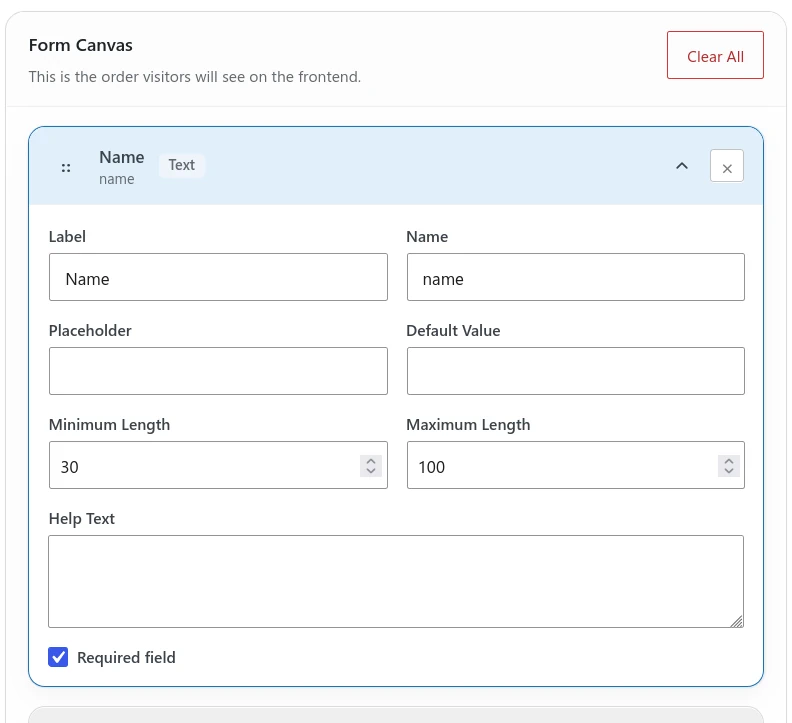
These additions make it possible for you to build much richer forms without requiring custom code.
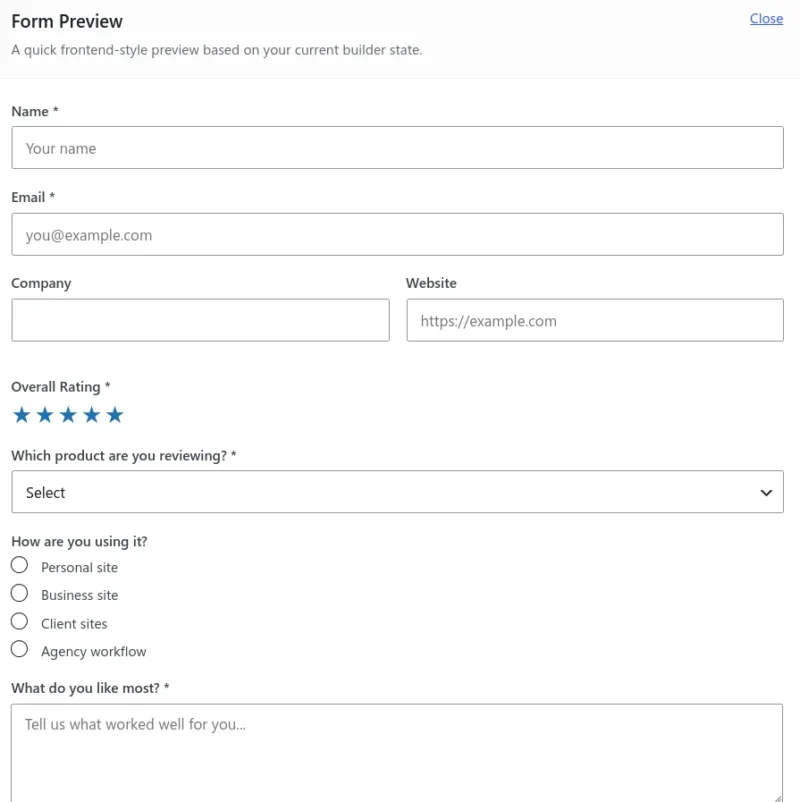
New Star Rating Field
Pro users can now add a dedicated Star Rating field to their forms. This is perfect for collecting:
- Product reviews and testimonials
- Service feedback and customer satisfaction surveys
Visitors can simply click a star rating instead of entering a numeric score.
New Product Review Preset
Together with the Star Rating field, we’ve added a ready-to-use Product Review preset. Instead of building your review forms from scratch, you can start with a ready-made template and customize it to fit your brand.
Per-Form SMTP Profiles
If you’re using multiple SMTP profiles, you can now assign specific email profiles to individual forms. This allows for excellent separation of outgoing admin and notification emails:
- Contact forms → General mailbox
- Sales enquiries → Sales SMTP account
- Support requests → Support mailbox
- Customer reviews → Dedicated notification address
Email & SMTP Improvements
The Email & SMTP module continues to grow beyond basic SMTP configuration.
Quick Email Shortcuts
The Email Sender Tool lets you quickly compose and send emails directly within WordPress. We’ve added quick-access links to the Admin Toolbar and Dashboard so you can launch it from anywhere.
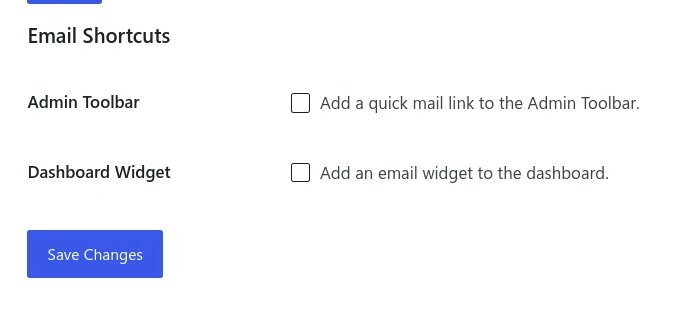
Note: These shortcuts are off by default but can be enabled in the Email Sender Tool.
Default WordPress Mail Provider
Not every WordPress site needs third-party SMTP service. That’s why we added a new Default WordPress Mail provider, allowing you to use WordPress’ built-in wp_mail() functionality while still configuring your preferred sender name and email address.
New Developer Email APIs
We have added new helper functions for plugins and custom code to send emails using specific SMTP profiles or routing rules without needing to configure PHPMailer manually.
This opens the door for deeper integrations between Admin Optimizer and other plugins while keeping email delivery consistent across your site.
Check out the Email & SMTP documentation for more implementation details.
Custom Code Load Priority
Custom Code snippets now support configurable loading priority. You can now choose to render your scripts right at the beginning, or the end of the <head> section, making it easy to manage script execution order and resolve plugin conflicts.
SEO Manager Adds Homepage Title & Description Formats
You can now configure dedicated:
- Homepage Title Format
- Homepage Description Format
This allows your site’s homepage to use its own SEO templates instead of sharing the same format as other content types.
Instant Module Saving
Toggling modules on or off is now instantaneous. Settings save automatically in the background, eliminating the need to click “Save Changes” every time you modify your setup.
Bug Fixes
- Custom Post Status: fixed an issue on WordPress 7 where duplicate Draft and Pending Review statuses are showing.
- SEO Manager: fixed an issue where the SEO Manager settings panel displays values that didn’t match the actual saved configuration.
You can get Admin Optimizer 2.4.0 for free, or get the Pro version for more powerful features.
