Overview
Auto Add HTML Anchor to Heading Block enables automatic anchors for headings in the block editor.
How It Works
Admin Optimizer adjusts block editor settings so heading anchor support is enabled.
When to Use It
Use it when you want heading anchors available for jump links, table-of-contents tools, or direct section links.
How to Enable
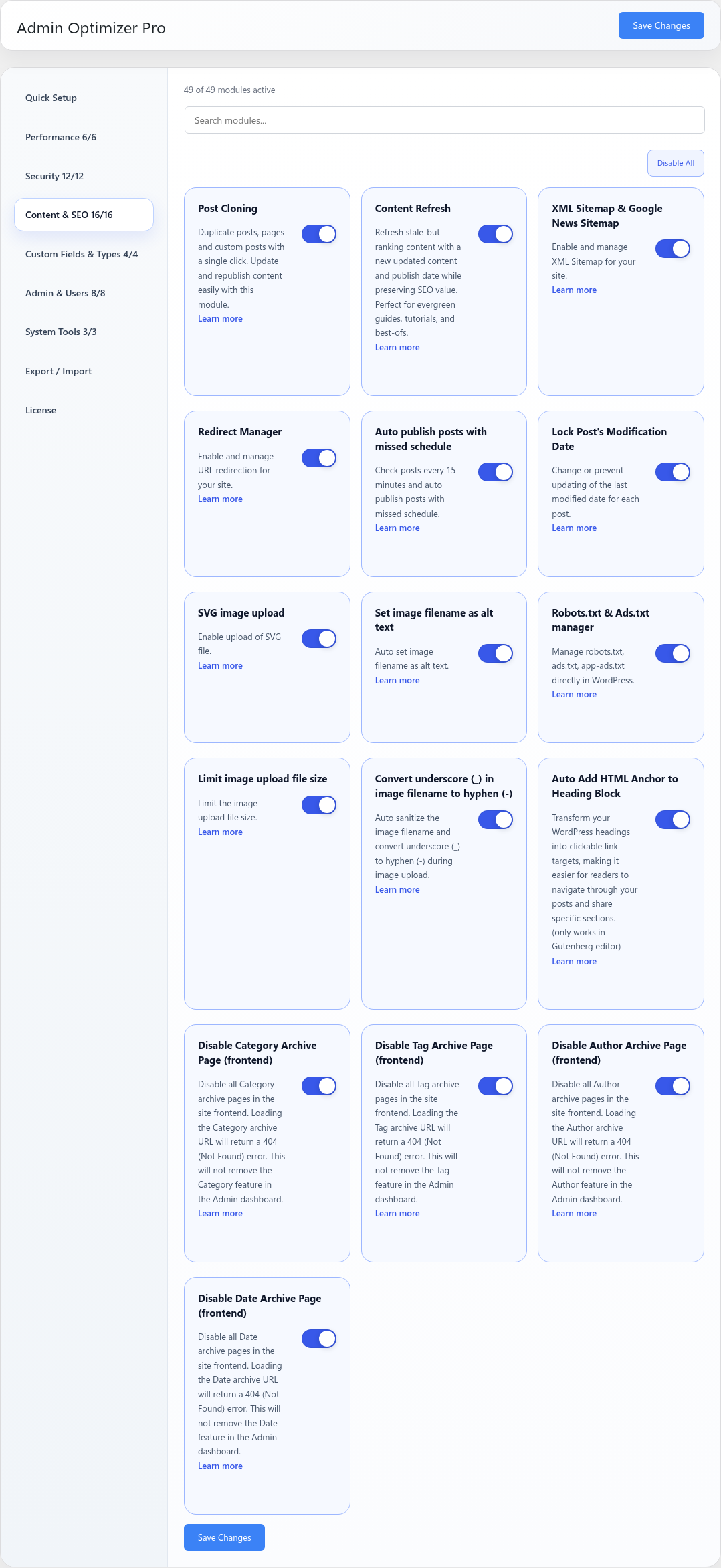
Go to Admin Optimizer > Content & SEO and enable Auto Add HTML Anchor to Heading Block.
Settings
This module has no dedicated settings beyond the enable toggle.
Notes
Anchor behavior depends on the block editor and theme output.