Overview
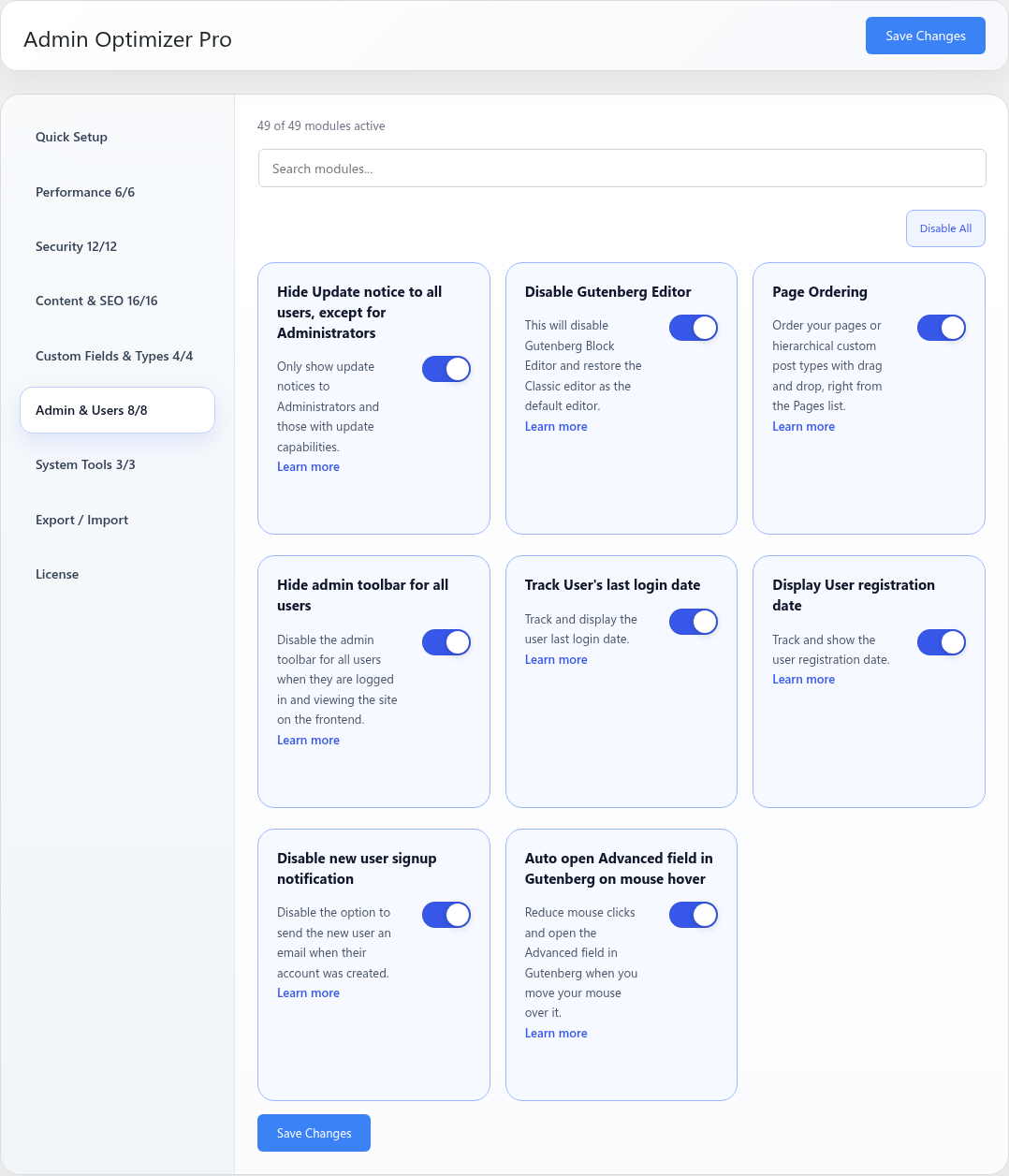
Disable Gutenberg Editor turns off the block editor.
How It Works
Admin Optimizer filters WordPress editor loading so the block editor is disabled.
When to Use It
Use it when a site should continue using the classic editing experience.
How to Enable
Go to Admin Optimizer > Admin & Users and enable Disable Gutenberg Editor.
Settings
This module has no dedicated settings beyond the enable toggle.
Notes
Some plugins and themes are designed for the block editor. Test editing workflows after enabling.