Overview
Disable New User Signup Notification turns off the option to send a new user an email when their account is created.
How It Works
Admin Optimizer adjusts the user-creation workflow so the default new-user email option is disabled.
When to Use It
Use it when administrators create accounts manually and do not want WordPress to send the default account email.
How to Enable
Go to Admin Optimizer > Admin & Users and enable Disable new user signup notification.
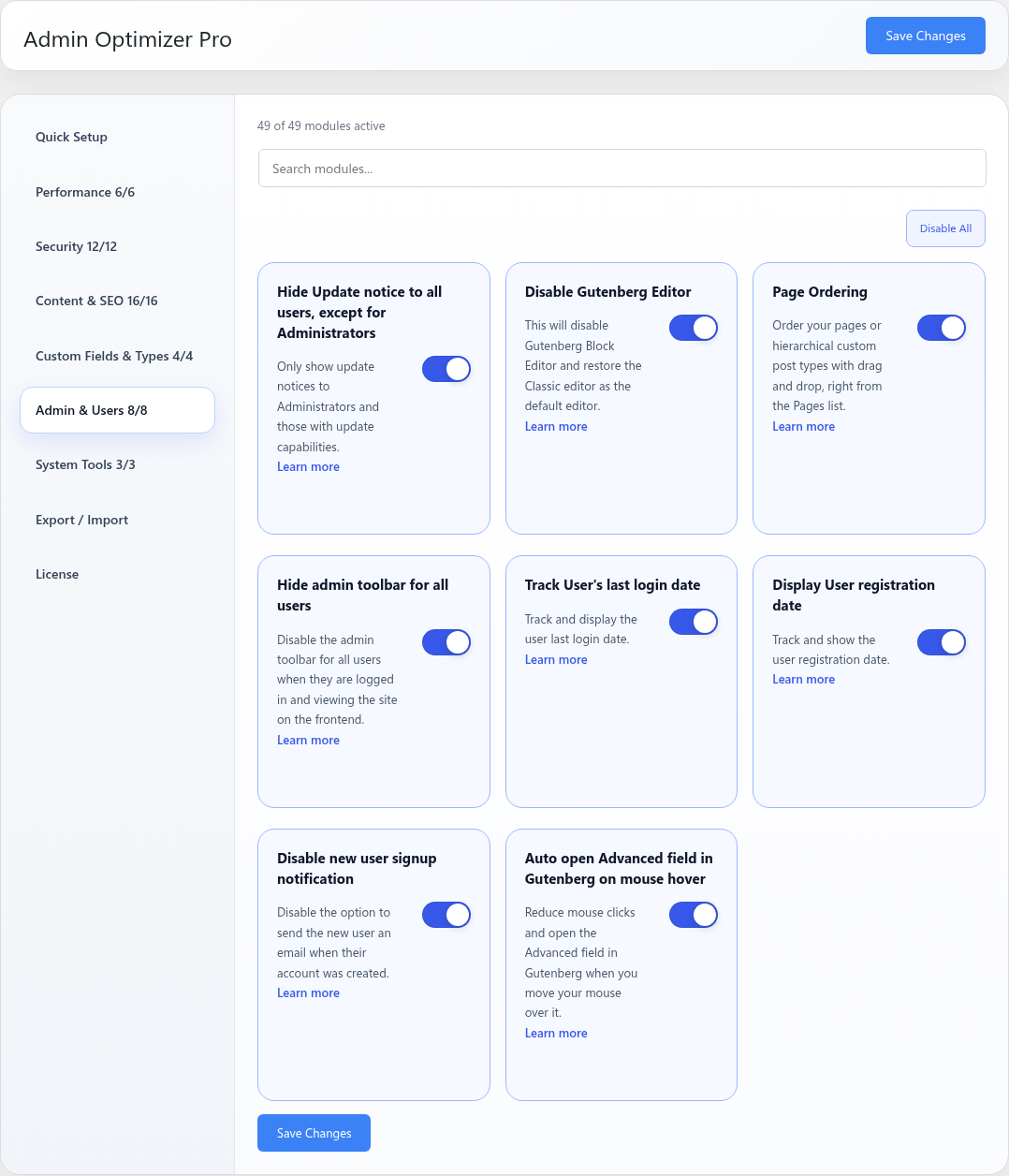
Settings
This module has no dedicated settings beyond the enable toggle.
Notes
If users still need credentials, send them through your preferred onboarding workflow.