Overview
Limit Image Upload File Size rejects image uploads that exceed configured size limits.
How It Works
When an image is uploaded, Admin Optimizer checks the file against the saved limit and rejects files that are too large.
When to Use It
Use it to prevent very large image files from being uploaded and slowing down your site or filling storage.
How to Enable
Go to Admin Optimizer > Content & SEO and enable Limit image upload file size.
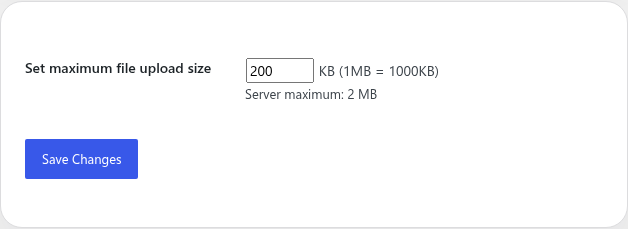
Settings
- Set maximum file upload size in KB (Kilobytes). Note that 1024 KB equals 1 MB (Megabyte). For example, if you want to limit uploads to 2 MB, you should enter
2048. - The settings page shows the server maximum upload size so you do not set a value higher than your hosting allows.
Notes
This module checks uploads going forward. It does not resize or compress existing media library files.