Overview
Disable XML-RPC turns off WordPress XML-RPC access.
How It Works
Admin Optimizer blocks XML-RPC access through WordPress filters.
When to Use It
Use it when your site does not rely on XML-RPC clients, remote publishing apps, or integrations that require XML-RPC.
How to Enable
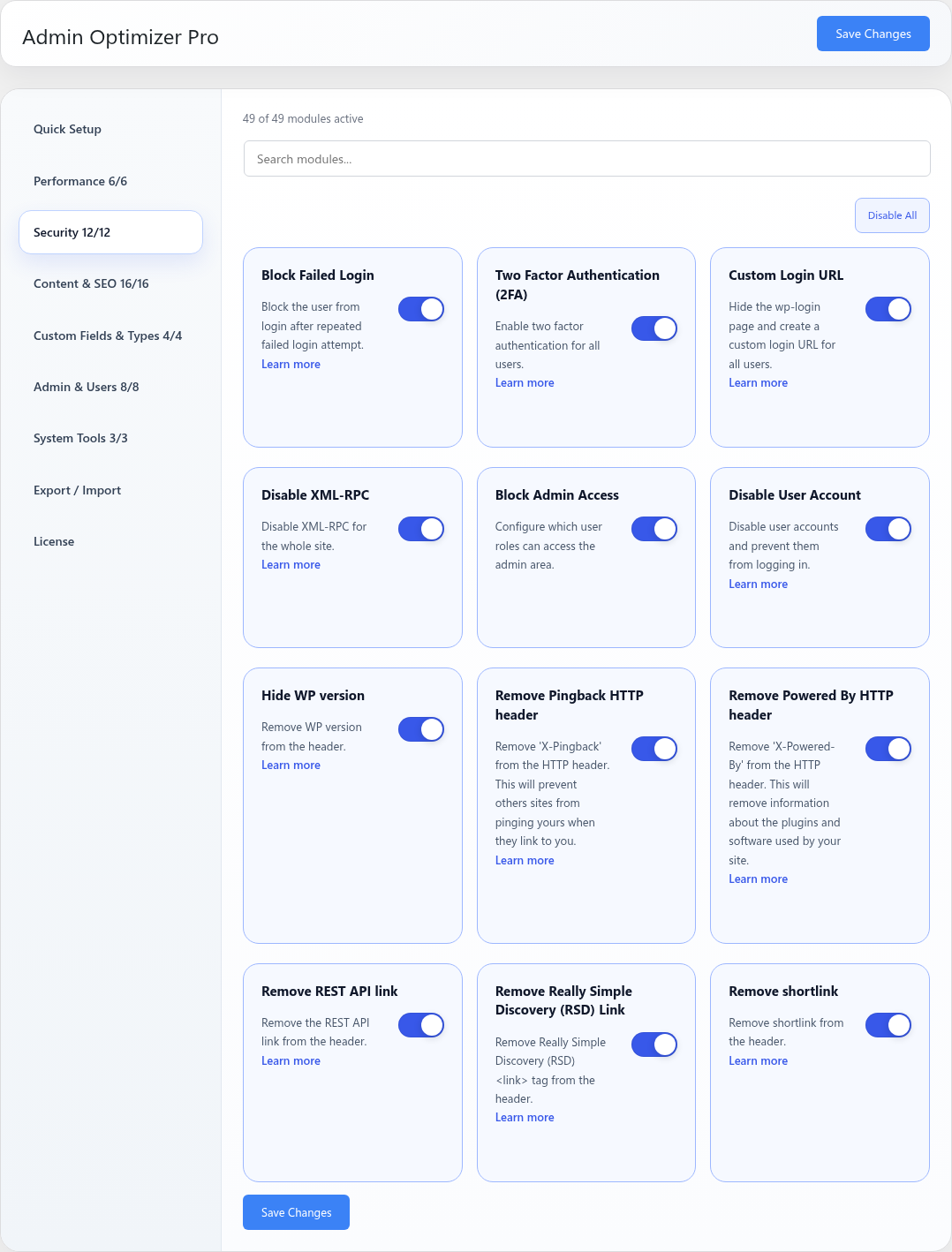
Go to Admin Optimizer > Security and enable Disable XML-RPC.
Settings
This module has no dedicated settings beyond the enable toggle.
Notes
Some external apps and services may require XML-RPC. Test integrations after enabling.