Overview
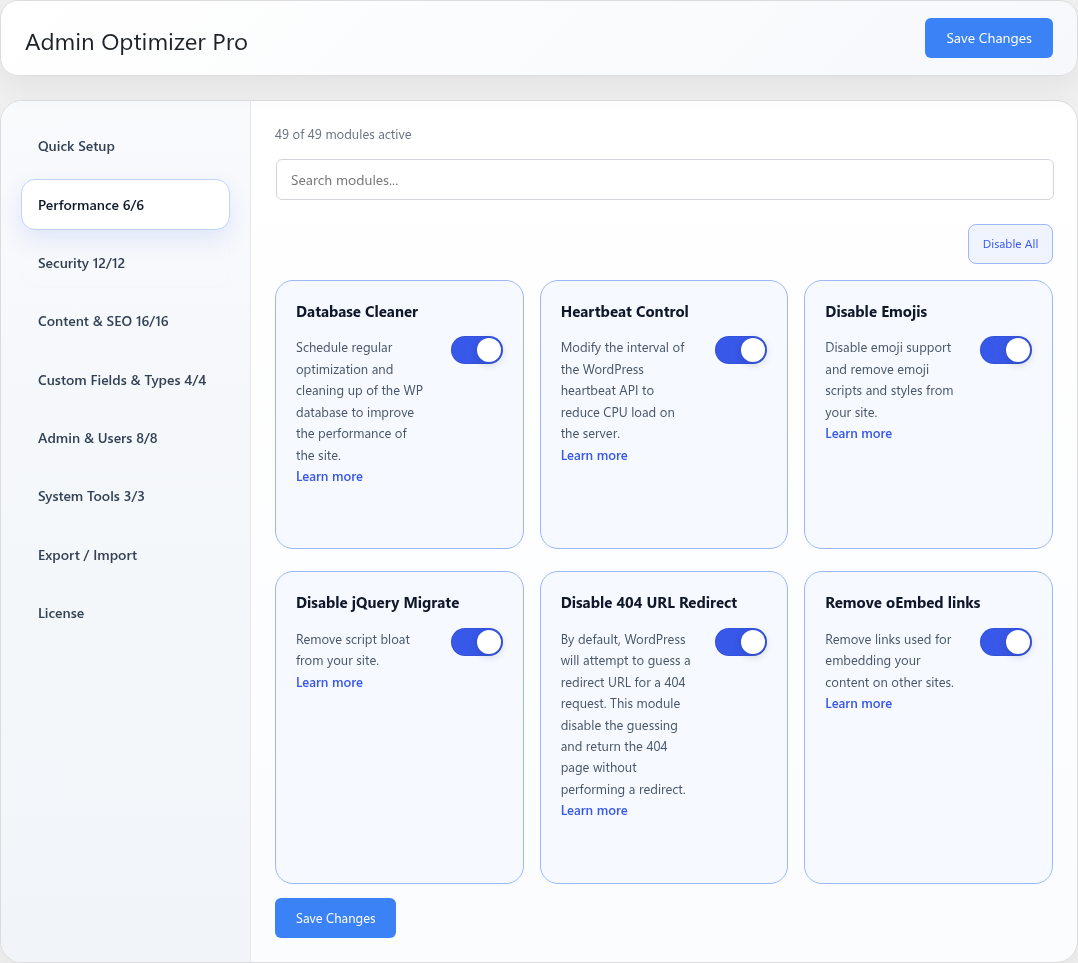
Disable 404 URL Redirect stops WordPress from guessing and redirecting some not-found URLs.
How It Works
Admin Optimizer disables WordPress’s canonical redirect guessing for 404 requests.
When to Use It
Use it when you want invalid URLs to return a real 404 response instead of being redirected to a guessed matching page.
How to Enable
Go to Admin Optimizer > Performance and enable Disable 404 URL Redirect.
Settings
This module has no dedicated settings beyond the enable toggle.
Notes
This can help avoid unwanted redirects, but check SEO and analytics workflows that may depend on WordPress’s default behavior.