Overview
Remove Really Simple Discovery (RSD) Link removes the RSD discovery link from page output. RSD is an XML format that helps client software (such as desktop blogging apps or older third-party services) discover the remote publishing APIs available on your site, like XML-RPC. Since most modern workflows use the REST API or the WordPress dashboard directly, this link is usually unnecessary and removing it helps reduce bloat in your site’s <head> section.
How It Works
Admin Optimizer removes the RSD link that WordPress normally prints in the page head.
When to Use It
Use it when your site does not use legacy remote publishing discovery features.
How to Enable
Go to Admin Optimizer > Security and enable Remove Really Simple Discovery (RSD) Link.
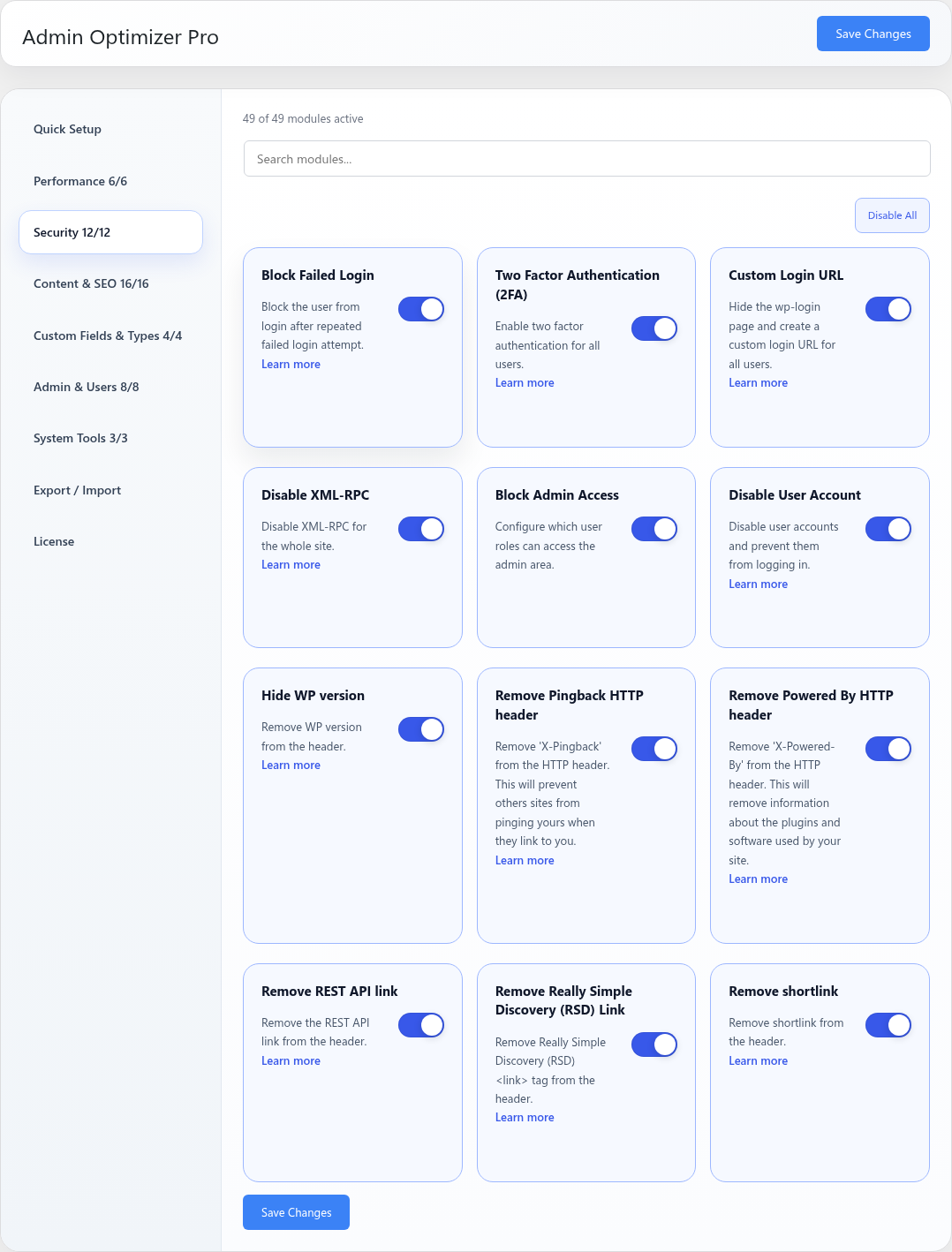
Settings
This module has no dedicated settings beyond the enable toggle.
Notes
Most modern sites do not need the RSD link, but test any legacy publishing tools you still use.