Overview
Disable User Account lets administrators disable individual user accounts.
How It Works
Administrators can mark user accounts as disabled. Disabled users are prevented from signing in.
When to Use It
Use it when you need to prevent a specific user from logging in without deleting the account or changing its content ownership.
How to Enable
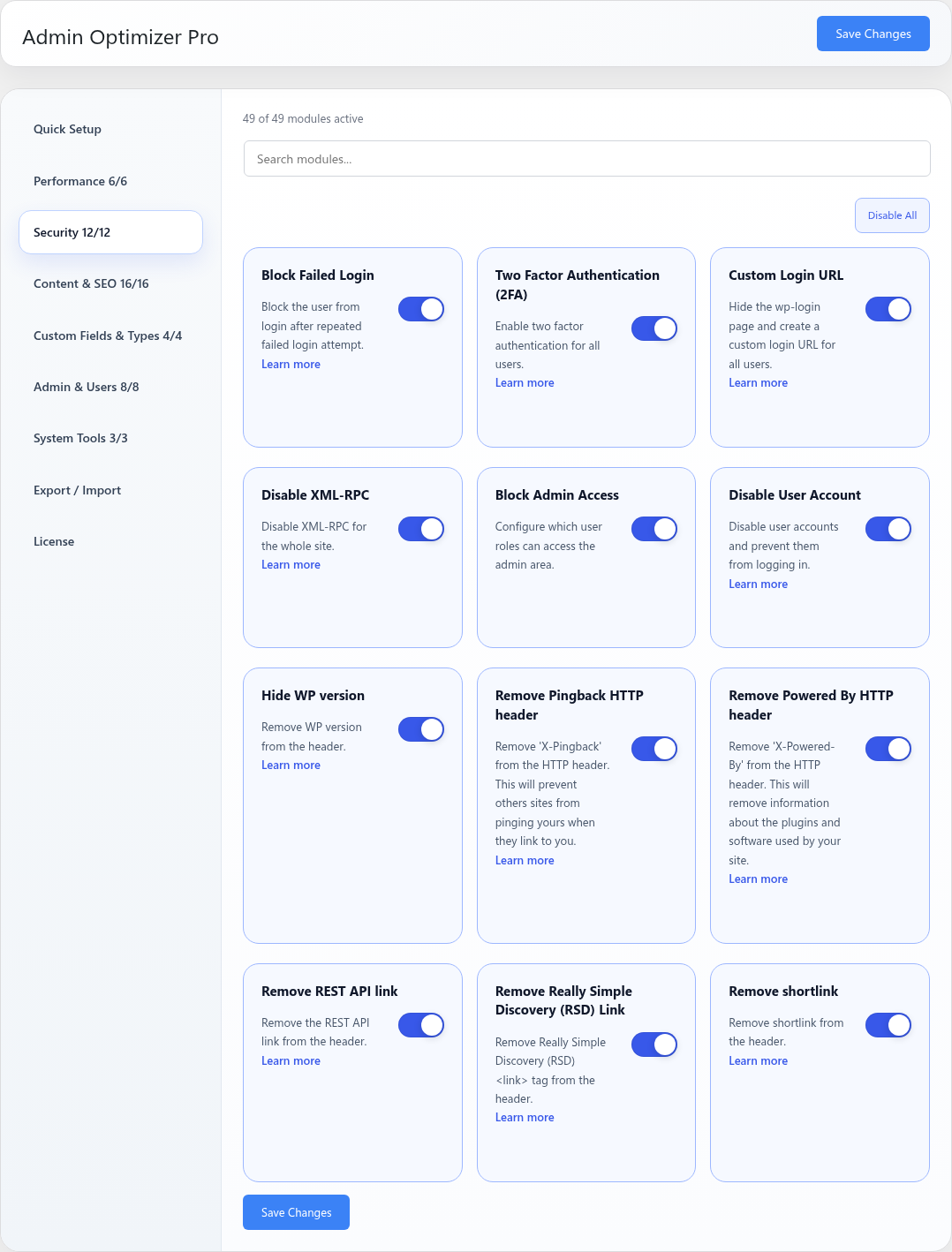
Go to Admin Optimizer > Security and enable Disable User Account.
Settings
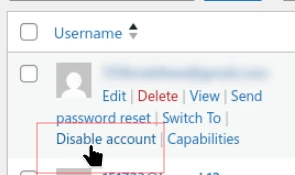
Account disable controls are added to user management screens. There is no separate module settings page indicated.
Notes
Disabling an account does not delete the user or their published content.