Overview
Hide Admin Toolbar For All Users removes the frontend admin toolbar.
How It Works
Admin Optimizer disables the frontend admin toolbar display.
When to Use It
Use it when logged-in users should see the frontend without the WordPress toolbar.
How to Enable
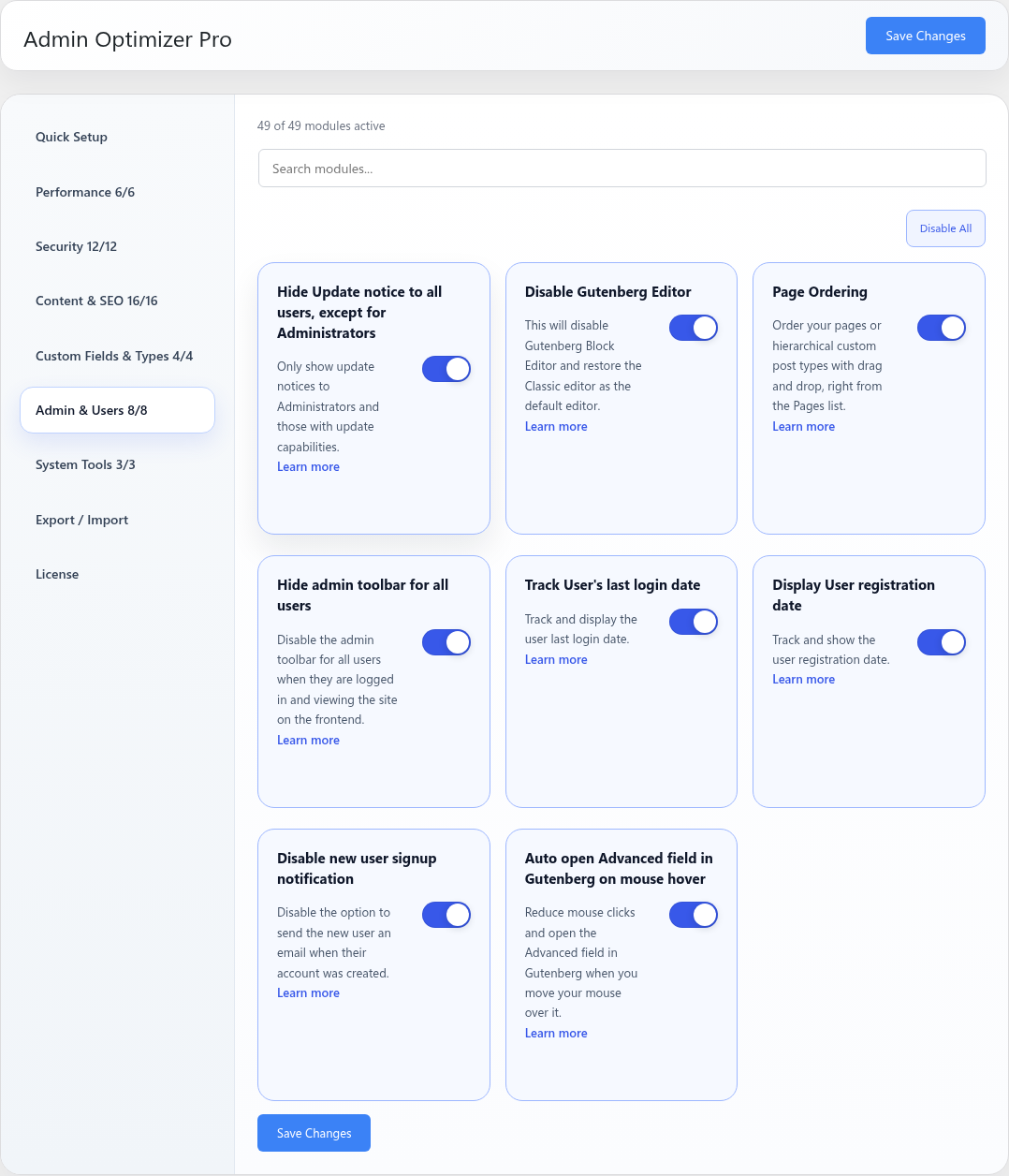
Go to Admin Optimizer > Admin & Users and enable Hide admin toolbar for all users.
Settings
This module has no dedicated settings beyond the enable toggle.
Notes
The toolbar may still appear in admin screens.