Overview
Hide WP Version removes the public WordPress version generator output.
How It Works
Admin Optimizer removes the WordPress version generator output from public pages.
When to Use It
Use it when you do not want your WordPress version shown in page source.
How to Enable
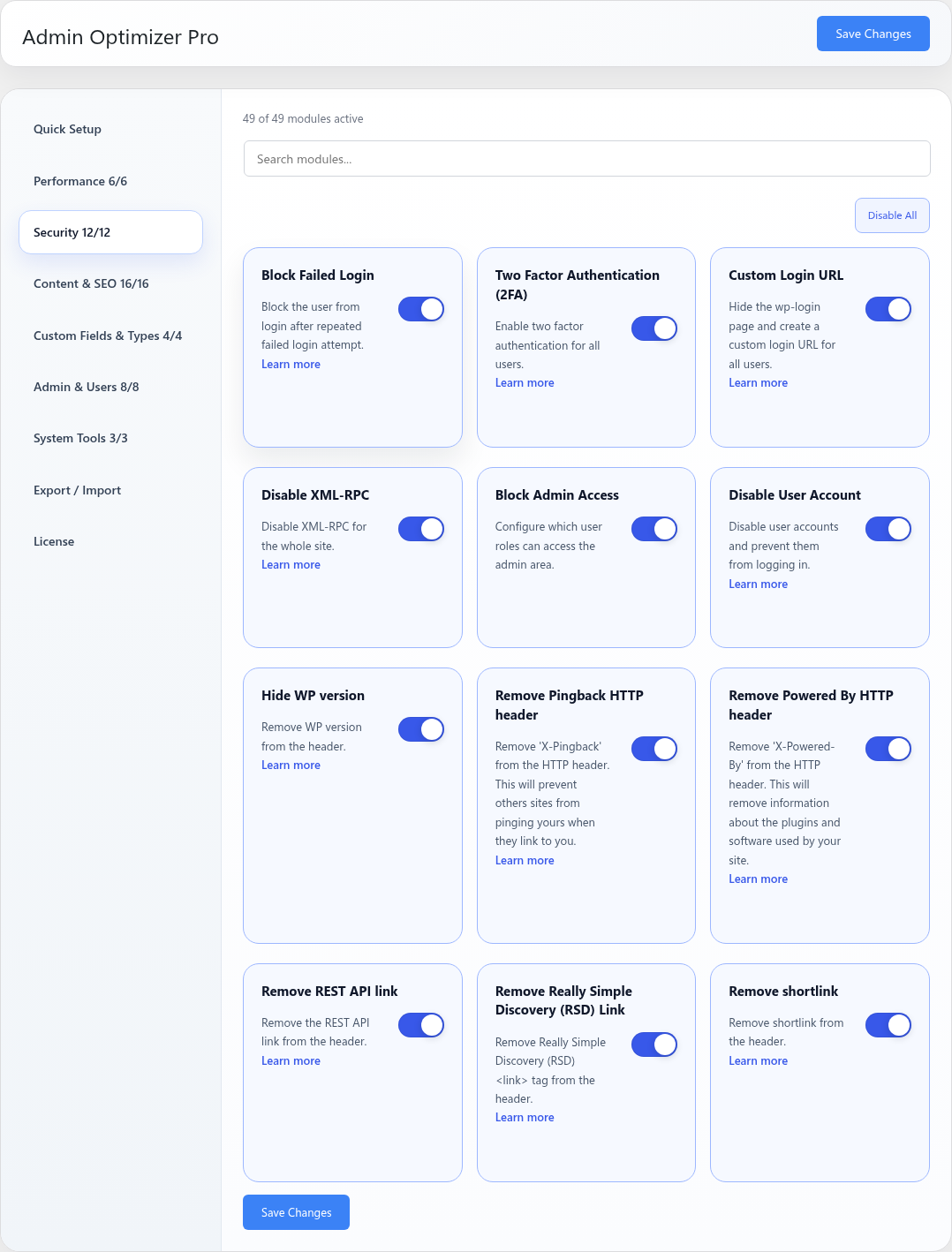
Go to Admin Optimizer > Security and enable Hide WP version.
Settings
This module has no dedicated settings beyond the enable toggle.
Notes
This is a small hardening measure. Keep WordPress, themes, and plugins updated.