Overview
Auto Open Advanced Field in Gutenberg opens the block editor Advanced panel on mouse hover.
How It Works
Admin Optimizer loads editor-side behavior that opens the Advanced panel when the user hovers over it.
When to Use It
Use it when editors frequently need the Advanced panel and want fewer clicks while editing blocks.
How to Enable
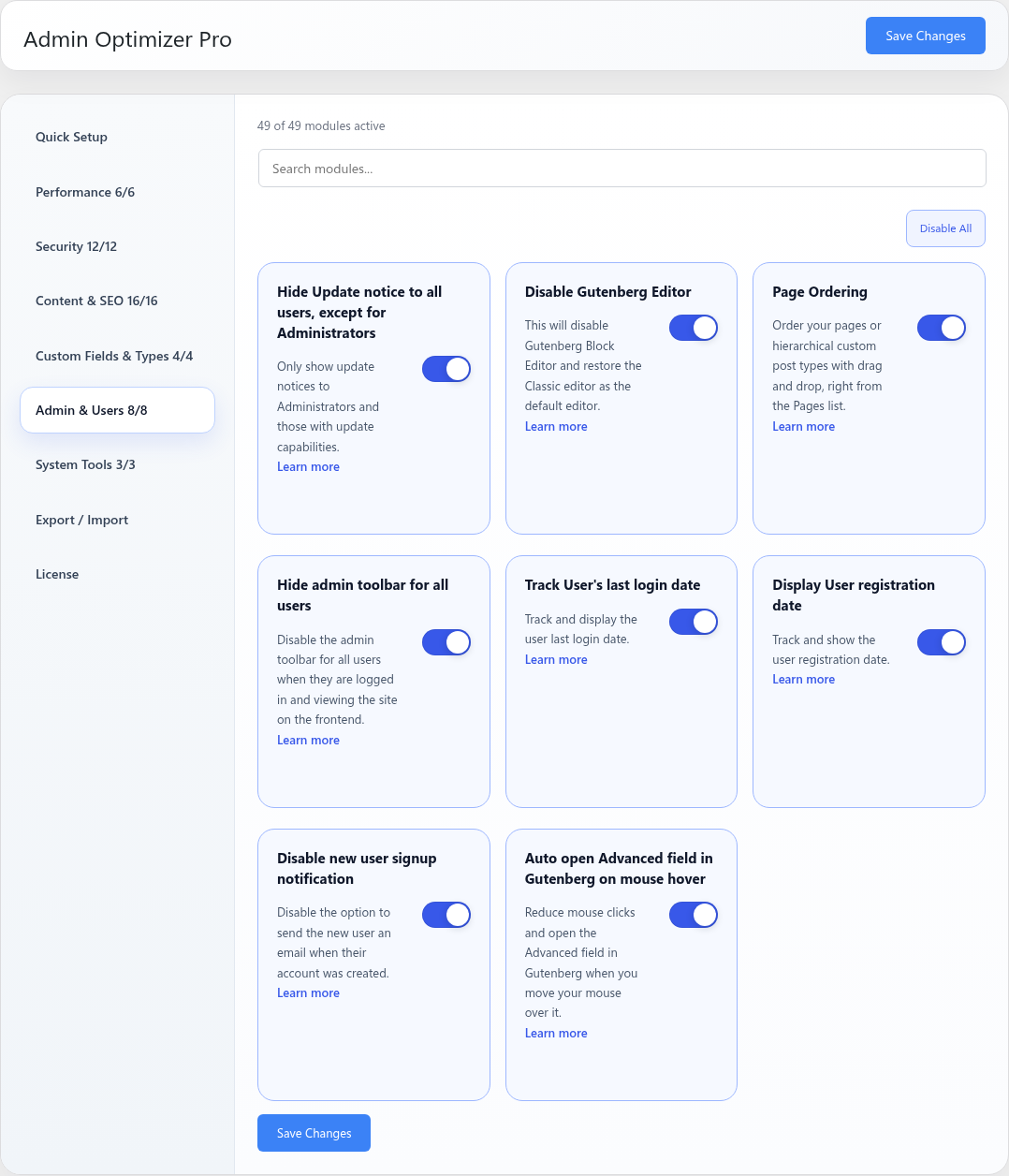
Go to Admin Optimizer > Admin & Users and enable Auto open Advanced field in Gutenberg on mouse hover.
Settings
This module has no dedicated settings beyond the enable toggle.
Notes
This affects the block editor experience only.