Overview
Disable Date Archive Page returns a 404 response for date-based archive pages.
How It Works
Admin Optimizer detects date archive requests and changes them to not-found responses.
When to Use It
Use it when monthly, yearly, or daily archive pages are not useful for visitors or search engines.
How to Enable
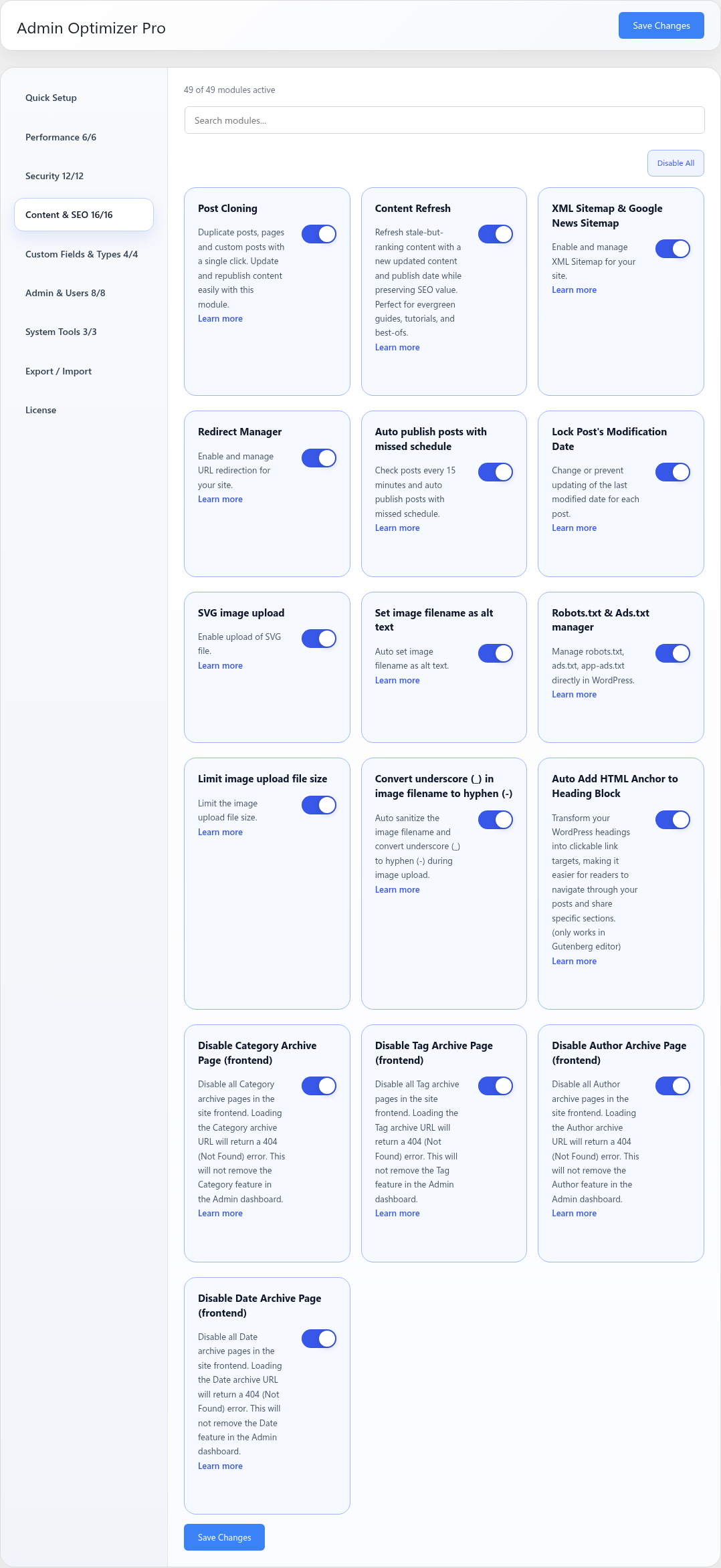
Go to Admin Optimizer > Content & SEO and enable Disable Date Archive Page (frontend).
Settings
This module has no dedicated settings beyond the enable toggle.
Notes
Do not enable this if your theme or navigation links to date archives.